Grow the Book · June 17, 2026
Most local clients never click your website: they decide from your Google profile. A 30-minute monthly fix list that lifts bookings.
Most owners spend a week agonizing over their website. They spend ten minutes on their Google Business Profile. The traffic numbers are the other way around.
The traffic nobody talks about
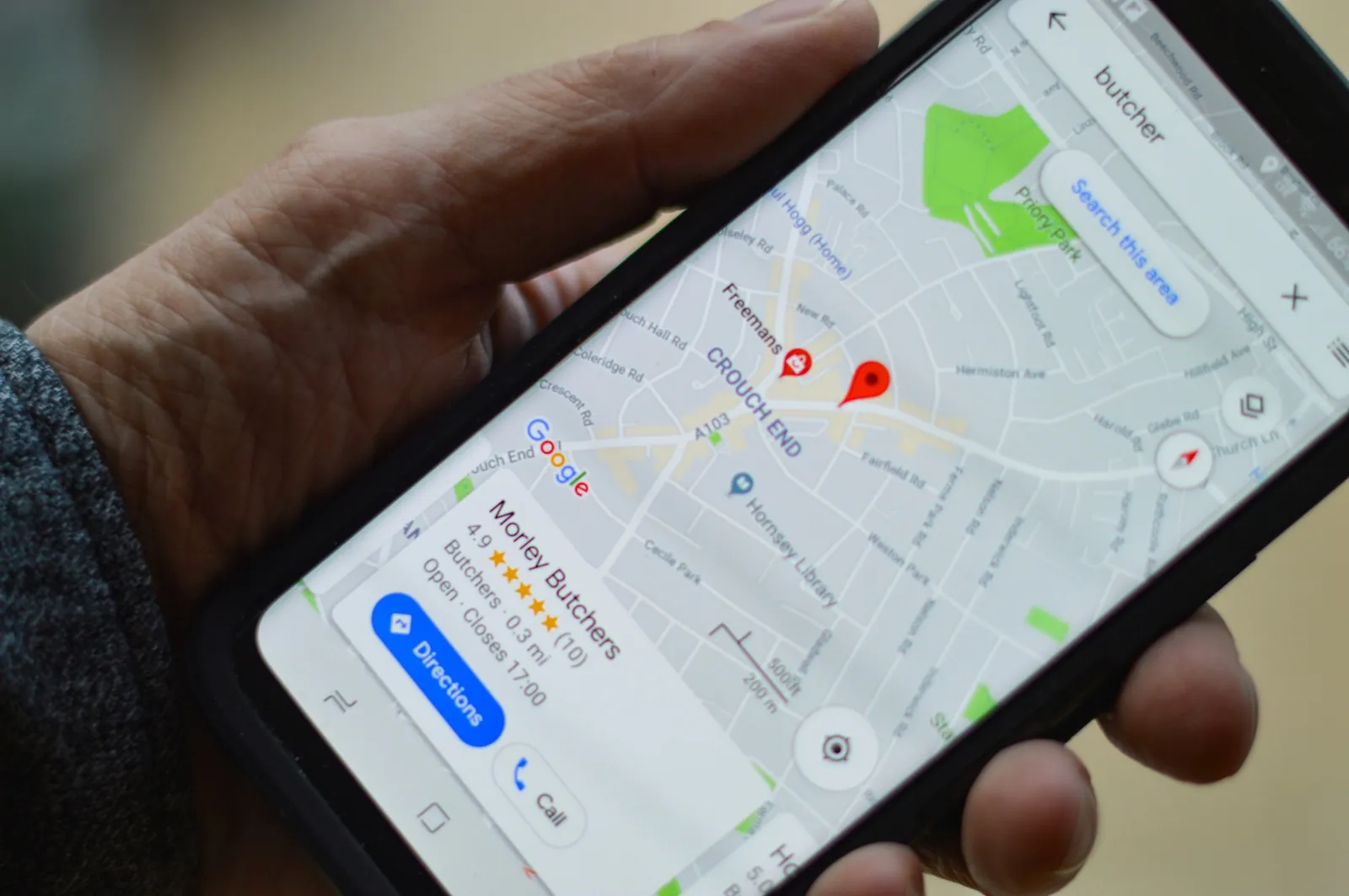
A typical local barbershop or salon draws far more views on its Google profile than on its website. Most people searching "barber near me" or "balayage downtown" never leave the search results. They scroll the map pack, look at the photos, read two reviews, and tap the booking link (or the phone number) straight from Google.
That means your Google profile is doing the job of your homepage. The good news is that it is also one of the easiest surfaces on the internet to fix. Thirty minutes of cleanup, repeated monthly, is enough to move bookings.
Here is the checklist, in priority order, with the booking metric each one moves.
1) Services, listed individually
Most profiles list "haircut" and stop. Google rewards specificity. So do clients deciding whether you do the thing they want.
- List every service as its own line item. Skin fade. Beard line-up. Root touch-up. Full balayage. Bridal hair trial.
- Include duration and price for each. Yes, the price.
- Use the exact words clients type into search. "Men's haircut" outranks "gent's grooming experience" every time.
Metric it moves: booking-page click rate from search. Specific services pre-qualify. Clients who land on your booking page already know what they want and roughly what it costs, and they convert at a higher rate than clients arriving from a generic "haircut" listing.
2) Hours that match reality
The number-one reason a Google profile gets a one-star review has nothing to do with the haircut. It is "drove there and they were closed." Holiday hours, last-minute closures, the Tuesday you decided to take off, if it is not on the profile, you eat the review.
- Set regular hours, then set holiday hours for the next 90 days in one sitting.
- If you close early on a slow Monday, mark it the morning of, not the day after.
- If you are by-appointment-only, say so in the description and remove "walk-ins" from your services.
Metric it moves: phone-call complaints, one-star "closed when I arrived" reviews, and the slow leak of trust those reviews cause.
3) A booking link, in the right field
Google has a dedicated "Appointment links" field. Use it. The link should go directly to your booking page, not your homepage, not your Linktree, not your Instagram bio. Every extra tap costs you bookings.
- Primary booking link: your booking page at
booked.co/your-slug. - Secondary link (if you have one): a specific service page, not a general site.
- Remove any link that requires the client to "DM to book." That is a major drop-off compared to a real booking flow.
Metric it moves: bookings-per-profile-view. Shops that wire a direct booking link into the Appointments field convert visitors far better than shops that bounce clients through a homepage first.
4) Photos on a cadence
Google's algorithm weights freshness. A profile that hasn't had a new photo in eight months reads as stale, both to the algorithm and to the client deciding whether you are still in business.
- Weekly: one photo of the day's best work. Phone camera is fine. Natural light is better than ring light.
- Monthly: one interior shot. The chair, the front desk, the storefront from across the street.
- Quarterly: a new exterior shot. Storefronts change. Trees grow. Signs fade.
Avoid stock photos and obvious AI-generated images. Clients notice, and Google's freshness signal rewards original, recent work.
Metric it moves: profile views, and the share of viewers who tap through to the booking link.
5) Posts, weekly, low effort
The "Updates" section on a Google profile is the lowest-effort marketing channel you have. Two sentences, one photo, weekly.
- A new service. ("We are now offering scalp treatments. Twenty minutes, $30, add it to any haircut.")
- A staff change. ("Mariana is back from maternity leave on Tuesdays and Thursdays.")
- A seasonal note. ("Our holiday schedule for December is now on the booking page.")
You are not writing for the algorithm. You are writing for the client who is deciding between you and the shop two blocks away. The shop posting once a week looks open and alive. The one with nothing since 2024 looks closed.
Metric it moves: returning-client bookings. Existing clients see your posts when they Google you to rebook. A weekly post is a weekly reminder that they are due.
6) Q&A, owner-answered
The Q&A section is the Wild West of Google. If you don't answer it, a random member of the public will, and they may get it wrong.
- Pre-seed the section with the five questions you get most often. ("Do you take walk-ins?" "Do you do kids' cuts?" "Where do I park?" "Do you accept HSA cards?" "Can I bring my own color?")
- Answer them yourself, from the owner account, in two sentences each.
- Check weekly for new questions. Reply within 24 hours.
Metric it moves: pre-booking phone calls. A well-curated Q&A section absorbs the questions that would otherwise come in as phone calls during your busiest hour.
7) Review velocity, not review count
A profile with 200 reviews dated 2022 tends to rank below a profile with 40 reviews from the last six months. Google's local ranking weights recency, not just totals.
- Ask every client at checkout. Not "leave us a review if you have time." Say "I'll text you a link in two minutes; takes 30 seconds."
- Send the link via SMS, not email. Text messages get opened; review-request emails rarely do.
- Reply to every review. Five-star, one-star, every one. Two sentences. Use the client's name. Don't argue with negative reviews: thank them and offer to make it right offline.
Metric it moves: map-pack rankings, which drive bookings. A shop adding a handful of fresh reviews each week will out-rank a competitor with a higher total but no recent activity.
The 30-minute monthly fix
Block 30 minutes on the calendar, the first Monday of every month. The same 30 minutes, repeated, beats a one-time overhaul every time.
- Five minutes: Walk the services list. Add anything new, remove anything you no longer offer, update one price if needed.
- Five minutes: Set holiday hours for the next 90 days.
- Five minutes: Confirm the booking link is correct and clicks through to the right page.
- Five minutes: Upload four photos from the last month: three of work, one of the space.
- Five minutes: Write one post. New service, staff change, or seasonal note.
- Five minutes: Check Q&A, reply to anything new, reply to any reviews from the last week.
That's it. Thirty minutes a month, twelve months a year, is six hours of work, and it does more for bookings than any website redesign, any flyer, any boosted Instagram post.
What to do this week
- Open your Google Business Profile and find the Appointment links field. If it does not point directly to your booking page, fix it today.
- List your top five services as line items with duration and price.
- Take four photos with your phone: three haircuts or colors from this week, one of the storefront.
- Reply to every review from the last 90 days you haven't responded to yet.
- Block 30 minutes on the first Monday of next month, and put it on the calendar as recurring.
The website can wait. The profile is the homepage.